ItemsLite
OptionalAdds custom modeled furni, blocks, hats and wardrobe cosmetics.
Official documentation
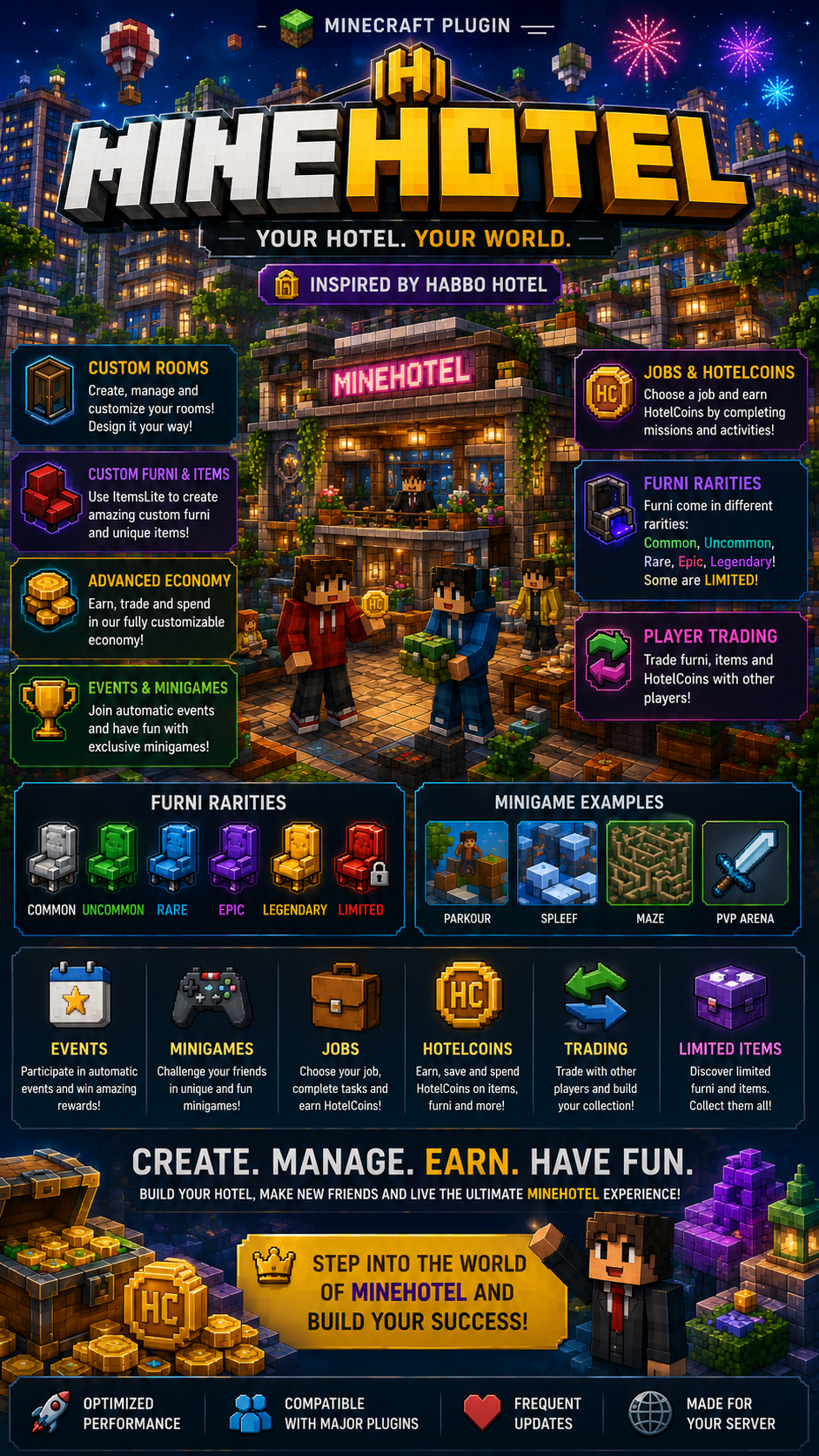
MineHotel creates a complete social hotel experience with private and public rooms, room design, HotelCoin, furni, cosmetics, visits, likes and staff controls.

Getting started
Stop the Minecraft server completely.
Place MineHotel.jar inside the server plugins folder.
Optionally install ItemsLite or ItemsAdder before the first start if you want custom furni and cosmetics.
Start the server and review plugins/MineHotel/config.yml.
Join the server and run /minehotel admin setlobby at the hotel lobby spawn.
Run /minehotel admin setupdefaults to generate the default public rooms.
Supported environments
Integrations
Adds custom modeled furni, blocks, hats and wardrobe cosmetics.
Alternative integration for custom items and furni.
Reference
| Command | Description | Permission |
|---|---|---|
/minehotel | Opens the main MineHotel menu. | minehotel.use |
/minehotel rooms | Opens the public and player room navigator. | minehotel.use |
/minehotel lobby | Returns to the configured hotel lobby. | minehotel.use |
/minehotel create [name] [10x10|20x20|30x30|40x40] | Creates a player room or opens the creation GUI. | minehotel.use |
/minehotel manage <room> | Opens the management GUI for one of your rooms. | minehotel.use |
/minehotel visit <room> | Teleports to a room. | minehotel.use |
/minehotel profile | Opens your hotel profile. | minehotel.use |
/minehotel shop | Opens the furni catalog. | minehotel.use |
/minehotel furni | Opens your owned furni inventory. | minehotel.use |
/minehotel market | Opens the player furni marketplace. | minehotel.use |
/minehotel wardrobe | Opens the cosmetics wardrobe. | minehotel.use |
/minehotel scoreboard | Toggles the MineHotel sidebar. | minehotel.use |
/minehotel daily | Claims the available daily reward. | minehotel.use |
/hotelcoin balance | Shows your HotelCoin balance. | minehotel.use |
/hotelcoin pay <player> <amount> | Sends HotelCoin to another online player. | minehotel.use |
| Command | Description | Permission |
|---|---|---|
/minehotel admin setlobby | Sets the hotel lobby at your current position. | minehotel.admin |
/minehotel admin createpublic <name> <size> | Creates a public system room. | minehotel.admin |
/minehotel admin setupdefaults | Creates the default public hotel rooms. | minehotel.admin |
/minehotel admin lock|unlock|reset <room> | Moderates or regenerates a room. | minehotel.admin |
/minehotel admin reports | Lists open room reports. | minehotel.admin |
/minehotel admin closereport <id> | Closes a room report. | minehotel.admin |
/minehotel admin furniimport <id> <price> <rarity> <category> | Imports the held ItemsLite item into the furni catalog. | minehotel.admin |
/minehotel admin cosmeticimport <id> <slot> <price> <rarity> [type] | Imports the held ItemsLite item into the wardrobe. | minehotel.admin |
/minehotel admin cosmeticgrant <player> <id> | Unlocks a cosmetic for an online player. | minehotel.admin |
/minehotel admin reload | Reloads MineHotel configuration and services. | minehotel.admin |
/hotelcoin give|take|set <player> <amount> | Changes an online player's HotelCoin balance. | minehotel.admin |
Access control
| Permission | Default | Description |
|---|---|---|
minehotel.use | Everyone | Allows players to use the public MineHotel menus, rooms and economy commands. |
minehotel.admin | Operators | Allows complete room moderation, setup, imports, balance management and plugin reloads. |
Server setup
Visual guide